Control your computer over Wi-Fi or Bluetooth, and run your TV — a smooth trackpad, a full keyboard, and a universal remote, all in one free app.
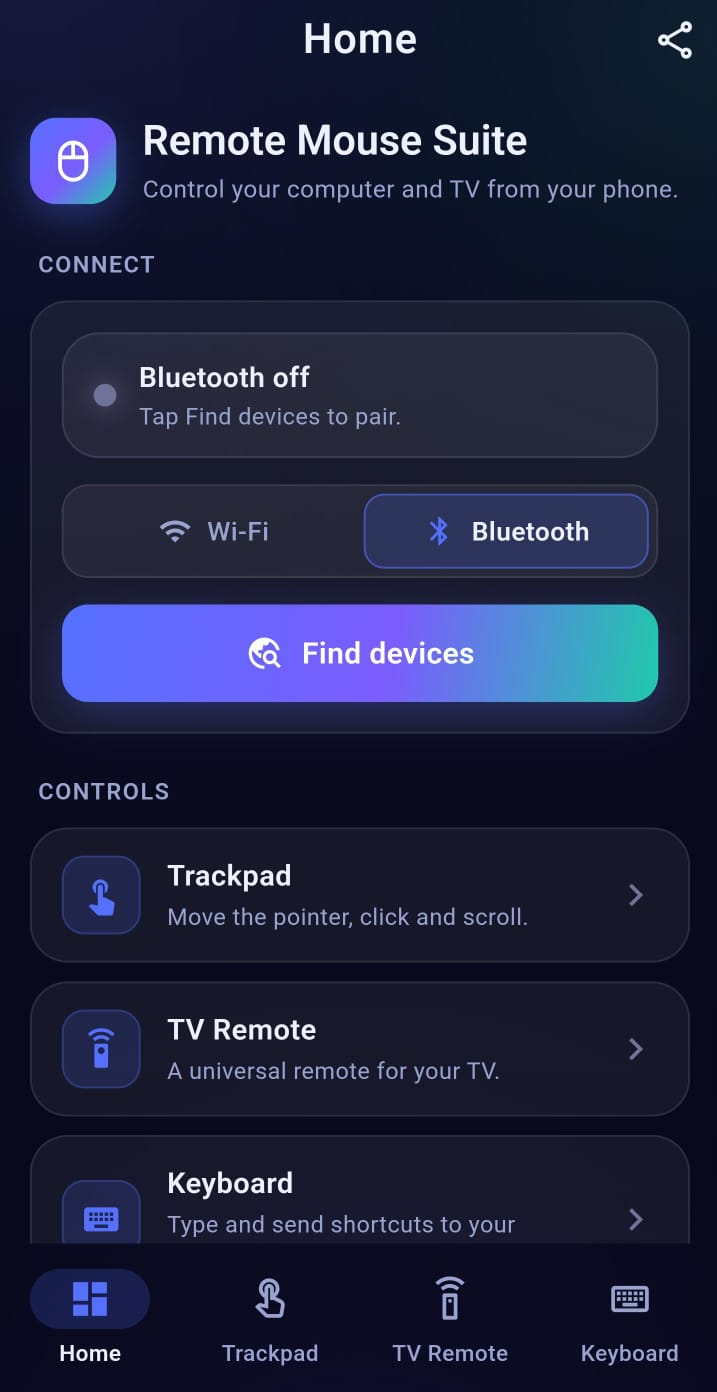
A trackpad, a keyboard and a TV remote — designed to feel instant and effortless.
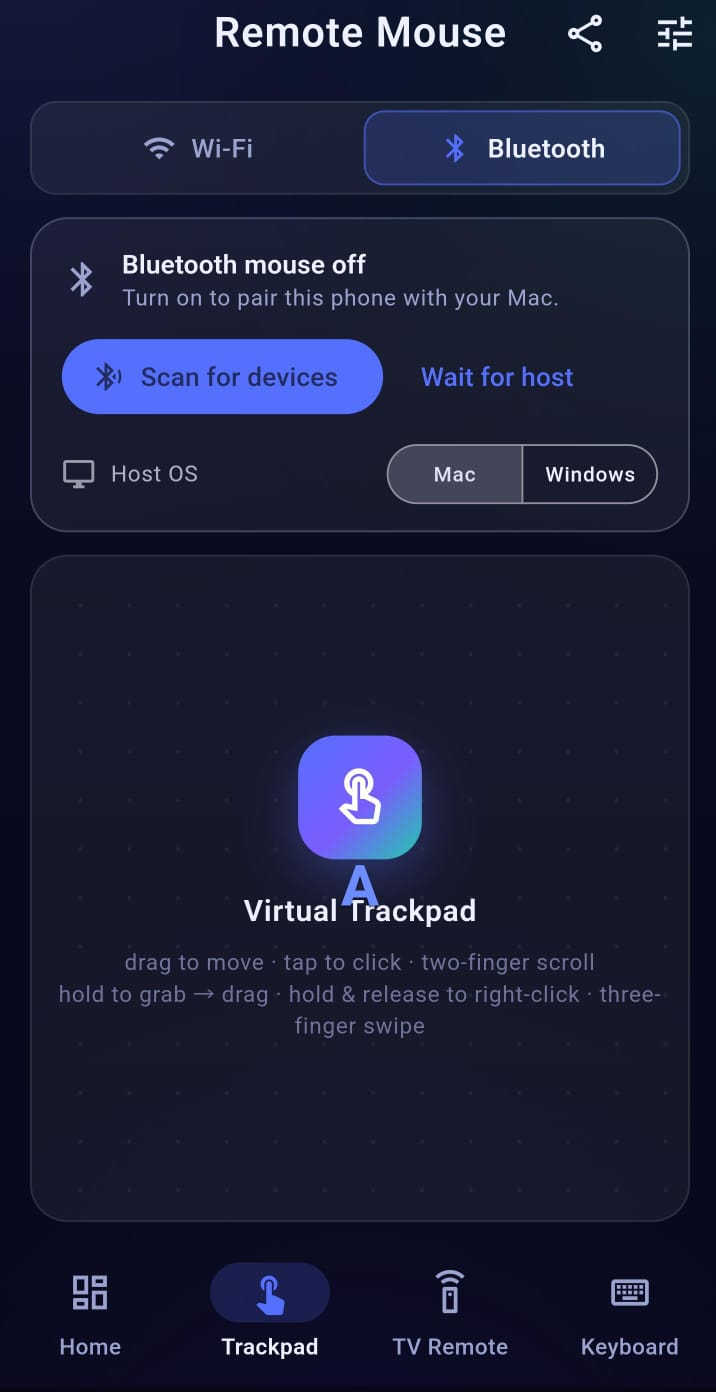
Move the pointer, click, scroll and drag with natural multi-touch gestures — it feels just like a laptop trackpad, right on your phone.
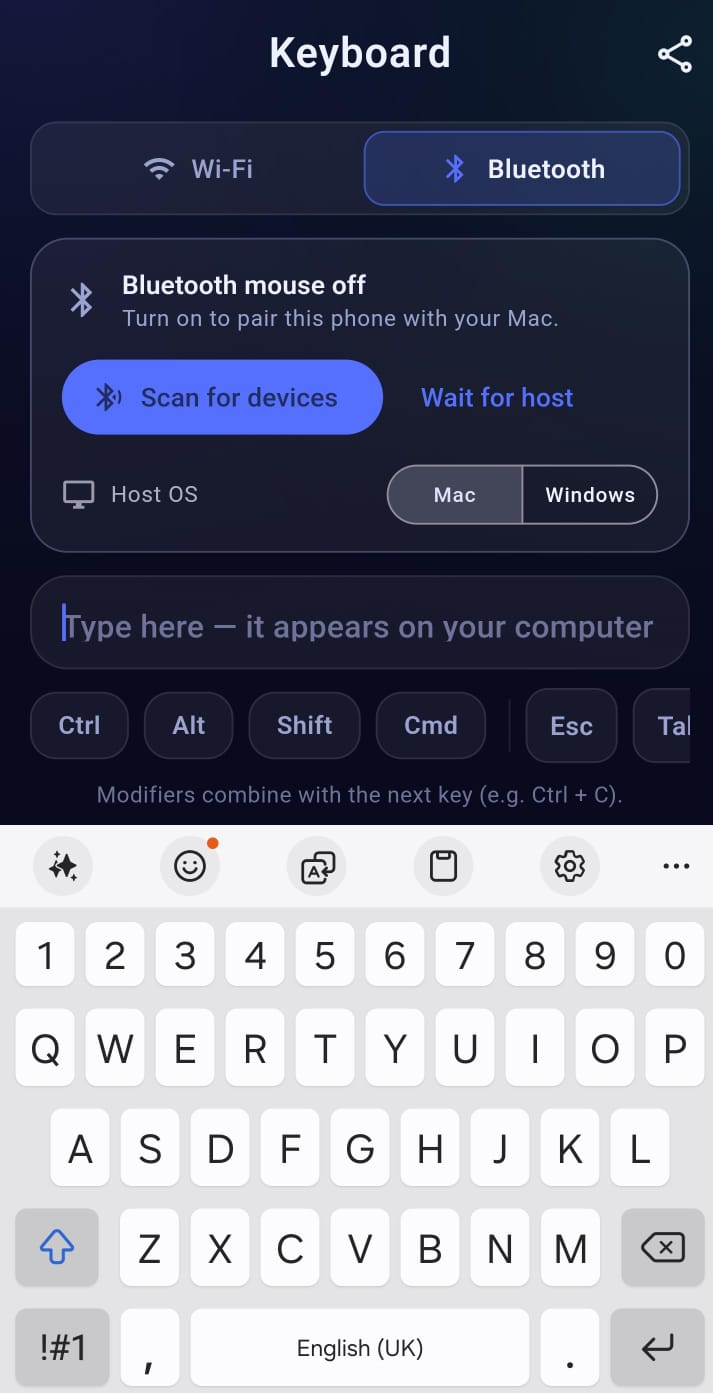
Type on your computer straight from your phone — with modifier keys and shortcuts like Ctrl + C built in. What you type appears instantly on screen.
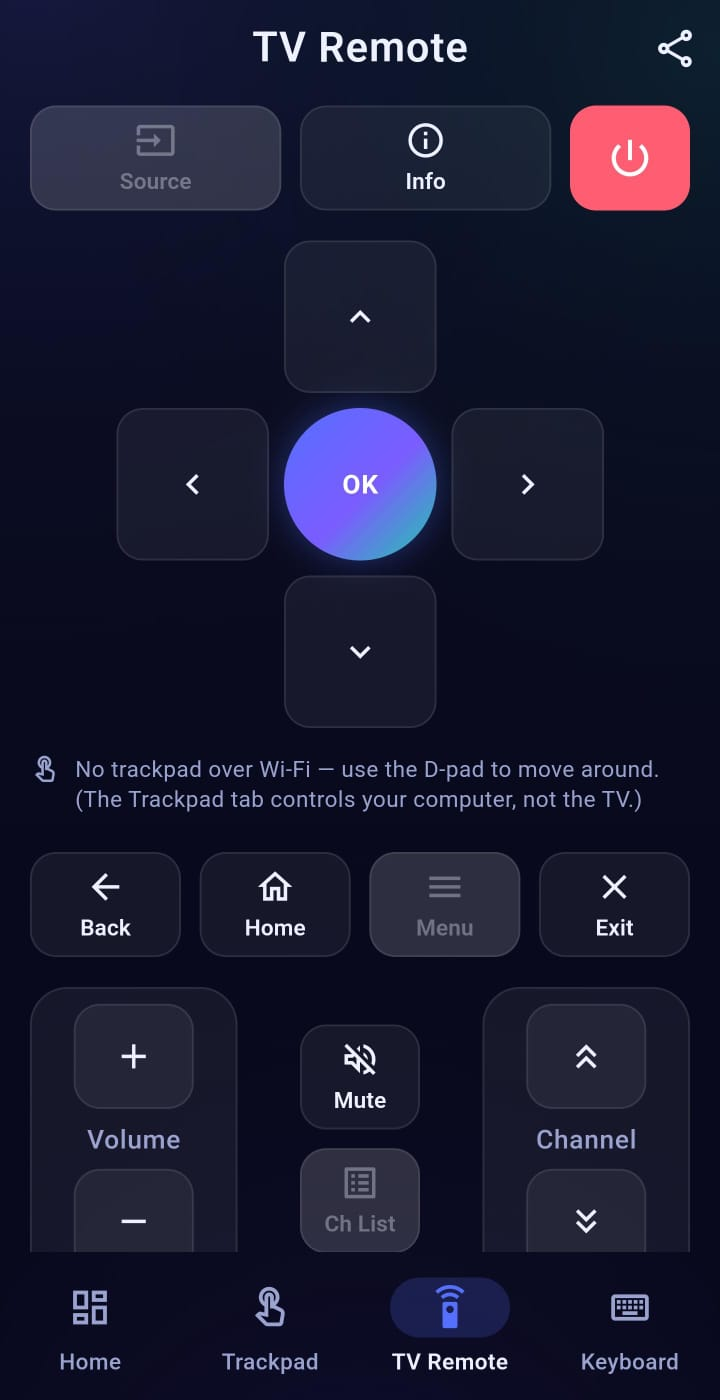
A full D-pad, volume, playback, number pad and app shortcuts — for popular smart-TV brands over Wi-Fi, Bluetooth or IR.
Pick whatever's easiest — full-featured over Wi-Fi, or zero-install over Bluetooth.
The richest experience — smooth cursor, full keyboard and TV control on the same network.
No install on the computer — your phone acts directly as a Bluetooth mouse and keyboard.
On phones with an IR blaster, control the TV like a classic hardware remote.
Three simple steps to control your computer and TV.
Download Remote Mouse Suite free from Google Play on your Android phone.
For Wi-Fi, run the free desktop helper on your computer and join the same network. For Bluetooth, just pair — no install needed.
Use the trackpad, keyboard and TV remote right away. For TVs, tap "Find my TV" on the same Wi-Fi.
Tap, scroll, drag and right-click with intuitive one- and two-finger moves.
Choose the pointer shape, colour, size and speed to make it yours.
Send real key combos like Ctrl + C, Alt + Tab and more.
D-pad, volume, playback and app launch across popular TV brands.
Direct device-to-device connection with pairing — no account required.
A clean, modern interface with everything you need, at no cost.
Real demos of the trackpad, keyboard and TV remote in action.
Bluetooth needs no computer software at all. Prefer Wi-Fi? Add the free desktop helper.
The easiest path. Pair your phone to your Windows PC or Mac over Bluetooth and start controlling instantly — there's nothing to install on the computer.
Get the appWant a Wi-Fi connection instead? Run the free Remote Mouse Suite helper on your computer, join the same network as your phone, and connect:
Desktop helper 1.4.20 · free · unsigned: on macOS use System Settings → Privacy & Security → Open Anyway; on Windows choose More info → Run anyway.
Free on Google Play. No account, no clutter — just download and connect.